

First Time Using a VPS? Everything You Should Expect Before You Get Started
 Rama Ramadhan Purnomo
|
June 26, 2026
|
6 min read
Rama Ramadhan Purnomo
|
June 26, 2026
|
6 min read
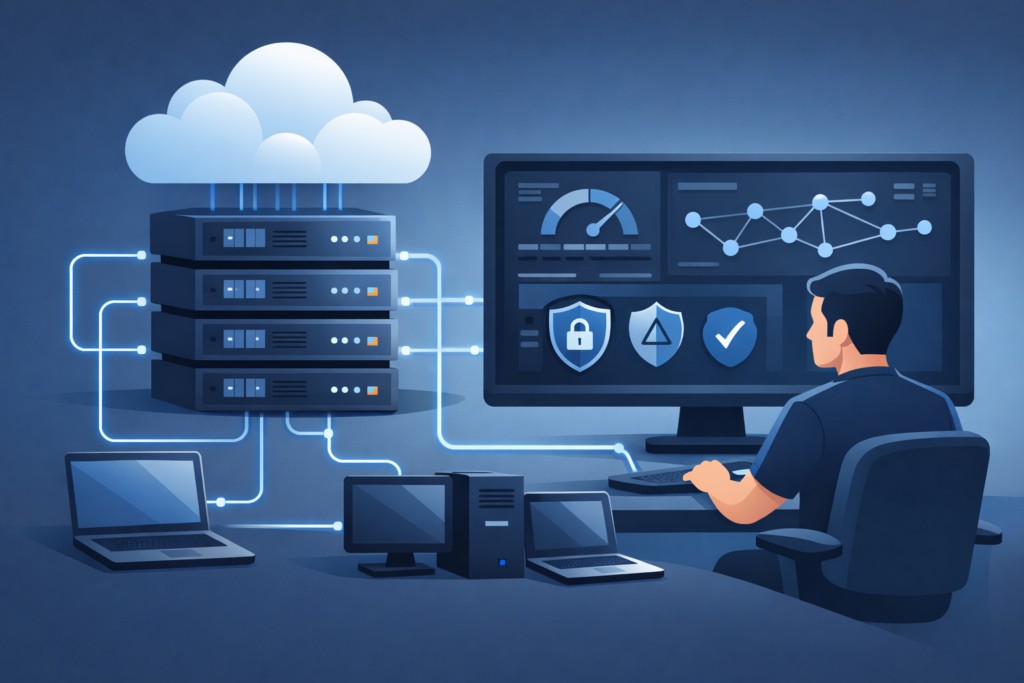
If you’ve been researching web hosting, application deployment, or remote servers, you’ve probably come across the term Virtual Private Server (VPS). For beginners, the idea of managing a virtual server can seem intimidating, especially if you’ve only used shared hosting before.
The good news is that modern VPS hosting is far more accessible than many people expect. With the right provider and a basic understanding of how a VPS works, you can enjoy greater performance, flexibility, and control without needing to be a system administrator.
This guide explains exactly what you should expect when using a VPS for the first time, from setup to everyday management.
Understanding What a VPS Actually Is
A Virtual Private Server is a virtual machine that runs on a physical server using virtualization technology. Unlike shared hosting, where hundreds of websites compete for the same resources, each VPS has its own dedicated allocation of CPU, RAM, storage, and bandwidth.
This separation provides several advantages:
- Consistent performance
- Root or administrator access
- Custom software installation
- Improved security
- Greater scalability
Whether you’re hosting a website, running a game server, building a VPN, or creating a development environment, a VPS gives you far more freedom than traditional shared hosting.
VPS vs Shared Hosting
Many first-time users upgrade to VPS because shared hosting starts to feel limiting.
| Shared Hosting | VPS Hosting |
|---|---|
| Limited customization | Full server customization |
| Shared resources | Dedicated virtual resources |
| Restricted software installation | Install almost anything |
| Lower performance under heavy load | Stable performance |
| Limited administrative access | Full root access |
If your projects are growing, a VPS provides the flexibility to expand without migrating to an expensive dedicated server.
What Happens After You Purchase a VPS?
One pleasant surprise for many beginners is how quickly a VPS is deployed. Most providers automatically provision your server within minutes.
After activation, you’ll typically receive:
- Your server’s IP address
- Root (Linux) or Administrator (Windows) credentials
- SSH or Remote Desktop login details
- Operating system information
- Control panel access
At this point, your VPS is essentially a clean computer waiting for configuration.
Logging In for the First Time
For Linux servers, you’ll usually connect using SSH.
Example:
ssh root@your-server-ipWindows VPS users typically connect through Remote Desktop Protocol (RDP).
The first login is exciting because you now have complete control over an independent server running in a professional data center.
Expect a Blank Environment
One of the biggest surprises for first-time VPS users is that almost nothing is pre-installed.
Unlike shared hosting, where everything is ready to use, your VPS usually starts with only the operating system.
You’ll install the software you need, such as:
- Apache
- Nginx
- MySQL
- PostgreSQL
- PHP
- Docker
- Node.js
- Python
- Control panels like CyberPanel or HestiaCP
This blank slate is actually one of the biggest strengths of VPS hosting because you decide exactly what runs on your server.
Learning Basic Server Management
Don’t worry—you don’t need to become a Linux expert overnight.
A handful of basic skills will take you a long way.
Updating the System
Keeping your server updated is one of the first things you’ll learn.
For Ubuntu:
apt update
apt upgrade
These commands install the latest security patches and software updates.
Managing Services
You’ll frequently start, stop, or restart services.
Examples:
systemctl restart nginx
systemctl status mysql
Learning just a few system commands greatly improves your confidence.
Configuring the Firewall
Security should be one of your first priorities.
Many users enable:
- UFW (Ubuntu)
- firewalld
- iptables
- nftables
Only open ports that your applications actually require.
For example:
- 22 (SSH)
- 80 (HTTP)
- 443 (HTTPS)
Everything else can remain closed.
Expect to Use the Command Line
If you’re unfamiliar with Linux terminals, it may seem intimidating at first.
However, most VPS administration involves straightforward commands that quickly become second nature.
You’ll spend most of your time:
- Editing configuration files
- Installing packages
- Monitoring resources
- Restarting services
- Checking logs
Many excellent tutorials are available online, making it easy to learn gradually.
Common Uses for Your First VPS
One of the best parts of owning a VPS is discovering how versatile it is.
Many beginners initially purchase one for a website but later find dozens of additional uses.
Web Hosting
Host:
- WordPress
- Laravel
- Django
- Node.js
- Static websites
With dedicated resources, websites typically load faster and remain responsive during traffic spikes.
Development Environment
Developers often use VPS servers as remote workstations.
Benefits include:
- Testing applications
- Running Git repositories
- CI/CD deployments
- Docker containers
- Remote coding environments
Because the server stays online 24/7, development doesn’t stop when your laptop powers off.
Game Servers
Popular multiplayer games often run well on VPS hosting.
Examples include:
- Minecraft
- Terraria
- Valheim
- CS2 community servers
A VPS provides stable uptime while allowing complete control over server settings and mods.
VPN Hosting
Many privacy-conscious users build their own VPN server.
Instead of relying on third-party VPN providers, you control:
- Logs
- Encryption
- Access policies
- Connected devices
Popular software includes:
- WireGuard
- OpenVPN
Personal Cloud Storage
Your VPS can become a private cloud using software like:
- Nextcloud
- ownCloud
- Seafile
This gives you complete ownership of your files without depending entirely on commercial cloud storage services.
Tips for a Smooth First VPS Experience
Every beginner makes mistakes, but following a few best practices can save considerable time and frustration.
Start with a User-Friendly Linux Distribution
Ubuntu is often recommended because:
- Extensive documentation
- Large community
- Easy package management
- Beginner-friendly tutorials
Once you’re comfortable, you can explore distributions like Debian, AlmaLinux, or Rocky Linux.
Take Regular Backups
Servers can fail due to:
- User mistakes
- Software corruption
- Security incidents
- Hardware issues
Regular backups ensure you can recover quickly if something goes wrong.
Monitor Resource Usage
Keep an eye on:
- CPU usage
- RAM consumption
- Disk space
- Network traffic
Linux tools like htop, top, free, and df -h make monitoring simple.
Secure SSH Access
Instead of relying solely on passwords:
- Use SSH keys
- Disable root password login when appropriate
- Change the default SSH port if desired
- Enable fail2ban
- Keep software updated
Good security habits established early will protect your server for years.
Don’t Be Afraid to Experiment
A VPS is one of the best learning environments available.
You can safely:
- Build websites
- Learn Linux
- Deploy Docker containers
- Experiment with databases
- Configure reverse proxies
- Test automation scripts
Even mistakes become valuable learning experiences.
Your VPS Journey Starts Here
Using a VPS for the first time can feel overwhelming, but it’s also an exciting step toward greater control over your online projects. Unlike shared hosting, a VPS gives you the freedom to customize your environment, install the software you need, and scale as your requirements grow.
The learning curve is real, but it’s manageable. With basic Linux commands, good security practices, and regular backups, you’ll quickly become comfortable managing your own virtual server. Whether your goal is hosting websites, running applications, creating a private cloud, or experimenting with new technologies, a VPS provides the flexibility to make it happen.
If you’re ready to launch your first VPS with reliable performance, modern infrastructure, and flexible plans, explore https://orangevps.com and find a solution that fits your next project. Starting with the right hosting provider can make your first VPS experience smoother, faster, and far more enjoyable.